



Finding a CRM is easy.
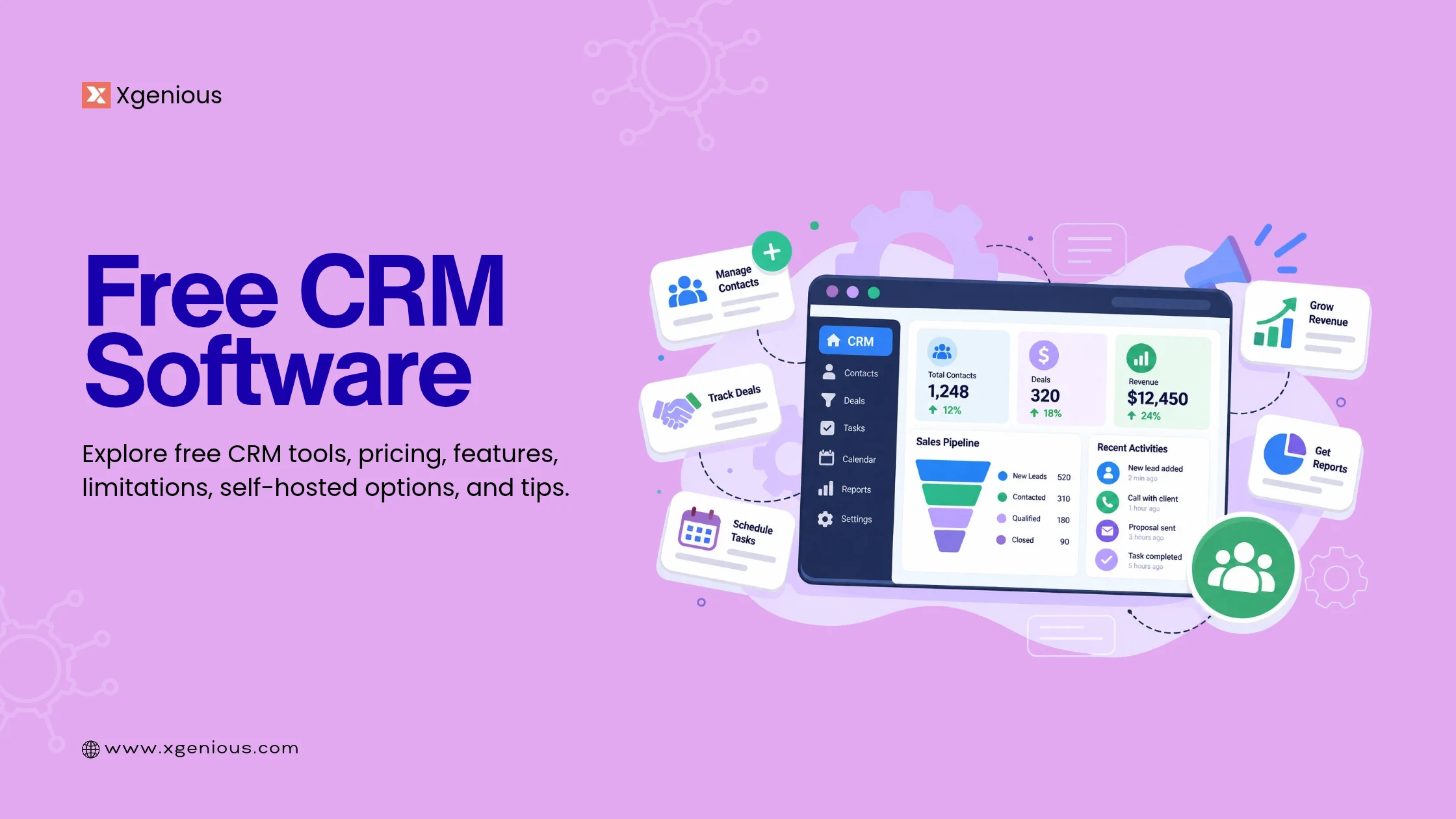
Finding one that is actually useful without turning “free” into a short trial or a long list of restrictions is much harder. Free CRM software gives small businesses a way to manage contacts, leads, deals, and follow-ups without adding another monthly expense.
But “free” can mean very different things.
Some CRM platforms offer a free plan with limits on users, contacts, or features. Others provide a free trial that eventually expires. And some open-source CRM platforms let you download and host the software yourself without paying a recurring software subscription.
This guide compares 9 free CRM software tools for small businesses in 2026, including cloud CRM platforms and open-source options. We’ll look at what each one offers, how its free model works, where the limitations are, and which type of business it makes sense for.
Overview: Best Free CRM Software for Small Businesses
For a quick cloud setup, HubSpot, Zoho CRM, and Freshsales are straightforward options. If you want CRM combined with broader business tools, Bitrix24 and Agile CRM take a wider approach. EngageBay combines CRM with marketing and support features.
If you want more control over the software and customer data, Genius CRM and Twenty take the self-hosted route.
| # | CRM | Type | Free Model | Best For | Self-Hosted |
|---|---|---|---|---|---|
| 1 | Genius CRM | Open-source CRM | Free forever | Businesses wanting a self-hosted CRM | Yes |
| 2 | HubSpot CRM | Cloud CRM | Free plan | Small teams wanting an easy setup | No |
| 3 | Zoho CRM | Cloud CRM | Free edition | Small teams needing sales automation | No |
| 4 | Bitrix24 | CRM & business management | Free plan | Teams wanting CRM plus collaboration tools | No |
| 5 | Agile CRM | Sales CRM | Free plan | Small sales teams | No |
| 6 | EngageBay | CRM & marketing | Free plan | Businesses wanting CRM plus marketing | No |
| 7 | Freshsales | Sales CRM | Free plan | Small teams wanting simple sales management | No |
| 8 | Twenty | Open-source CRM | Self-hosted/free edition | Technical teams wanting customization | Yes |
| 9 | Capsule CRM | Cloud CRM | Free plan | Very small teams and freelancers | No |
Table of Contents
What Is Free CRM Software?
“Free CRM” sounds simple until you start comparing the plans.
Some CRM platforms are genuinely free to use, but only for a limited number of users. Others let you store a certain number of contacts but lock automation, reporting, or integrations behind a paid plan.
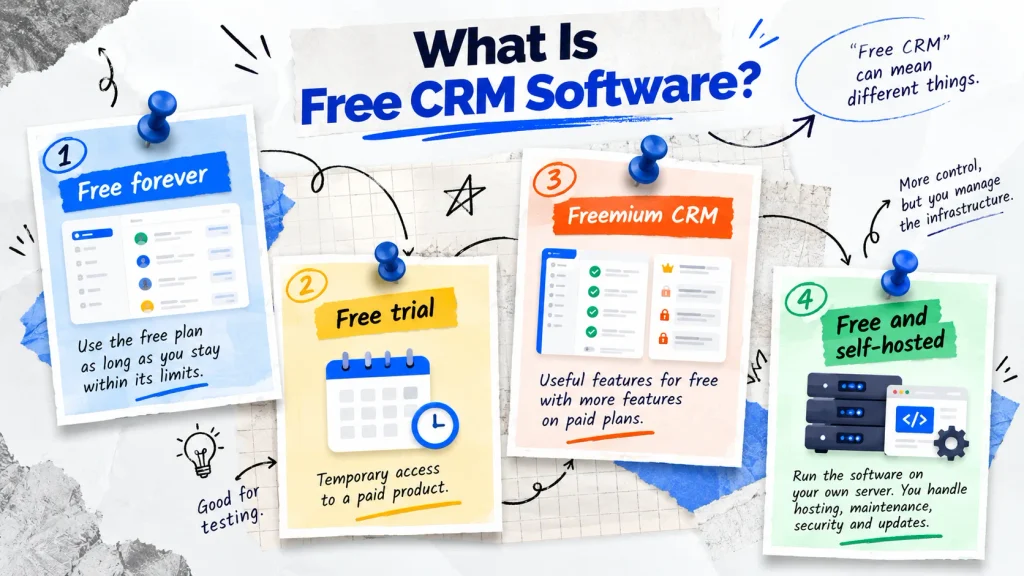
Then there are self-hosted CRM systems where the software itself is free, but you are responsible for hosting and maintaining it.
So there are several different versions of “free.”
1. Free forever
A free-forever CRM doesn’t expire after 14 or 30 days. You can continue using the free plan as long as you stay within its limits.
For example, HubSpot currently describes its CRM as free with no expiration date, while Zoho offers a free edition for up to three users.
2. Free trial
A free trial gives you temporary access to a paid product.
That’s useful for testing software, but it isn’t the same as having free CRM software. Freshsales, for example, provides a free plan alongside trials of its paid editions.
3. Freemium CRM
Freemium CRM software gives you a useful starting point for free while reserving additional features for paid plans.
This can work well if the free version covers your current needs and you have a clear upgrade path later.
5. Free and self-hosted
This is a different model.
With open-source and self-hosted CRM software, you can run the application on your own server. You don’t pay the vendor a monthly subscription for using the software, but you still have hosting, maintenance, backups, security, and update responsibilities.
For example, Genius CRM is MIT-licensed, self-hosted, and available without a subscription or paid feature tier.
So when someone says, “I need a free CRM,” the first question should really be:
Free in what sense?
What Does a Small Business Actually Need From a CRM?
You don’t need a CRM with 200 features just because the pricing page says they’re included.
For most small businesses, the job is much simpler.
You need to know who your customers are, which leads are worth following up with, what deals are currently open, and what your team needs to do next.
That’s the starting point.
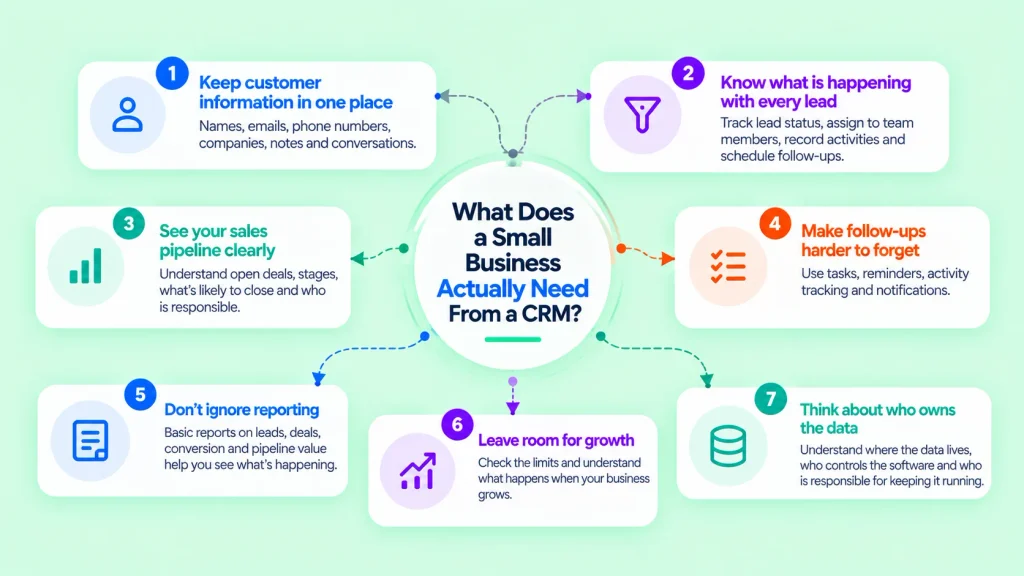
i. Keep customer information in one place
Names, emails, phone numbers, companies, notes, conversations, and other customer details shouldn’t be scattered across spreadsheets, inboxes, and messaging apps.
A good CRM should give your team one place to find the information they need.
ii. Know what is happening with every lead
A lead without a next step is easy to forget.
Look for features that let you track lead status, assign leads to team members, record activities, and schedule follow-ups.
iii. See your sales pipeline clearly
You should be able to answer simple questions quickly:
- How many deals are open?
- Which stage is each deal in?
- What’s likely to close?
- Who is responsible for each opportunity?
A visual pipeline can make this much easier.
iv. Make follow-ups harder to forget
Tasks, reminders, activity tracking, and notifications can make a basic CRM much more useful.
The goal isn’t to automate everything. It’s to make sure important follow-ups don’t disappear from someone’s inbox.
v. Don’t ignore reporting
You may not need advanced business intelligence.
But basic reports on leads, deals, conversion, and pipeline value can help you understand what’s actually happening.
vi. Leave room for growth
The CRM that works with three customers may not work when you have 3,000.
Before choosing a free CRM, look at its limits and understand what happens when your business reaches them.
vii. Think about who owns the data
This is particularly important when comparing cloud CRM software with self-hosted CRM software. With a hosted CRM, the vendor operates the infrastructure. With a self-hosted system, you operate the application and infrastructure yourself.
The same question comes up when businesses evaluate other self-hosted business software, including a self-hosted AI chatbot: where does the data live, who controls the software, and who is responsible for keeping it running?
That’s the real difference worth thinking about when comparing free CRM software.
It’s not simply about finding the platform with the longest feature list. It’s about finding one that fits the way your business actually works.
9 Best Free CRM Software for Small Businesses
1. Genius CRM: Best Free Self-Hosted CRM
Genius CRM takes a different approach from most free CRM platforms on this list.
It is a free, open-source, self-hosted CRM built with Laravel 12 and React 19. It includes contacts, leads, deal pipelines, tasks, company profiles, reporting, role-based access, a REST API, 2FA, and Docker support.
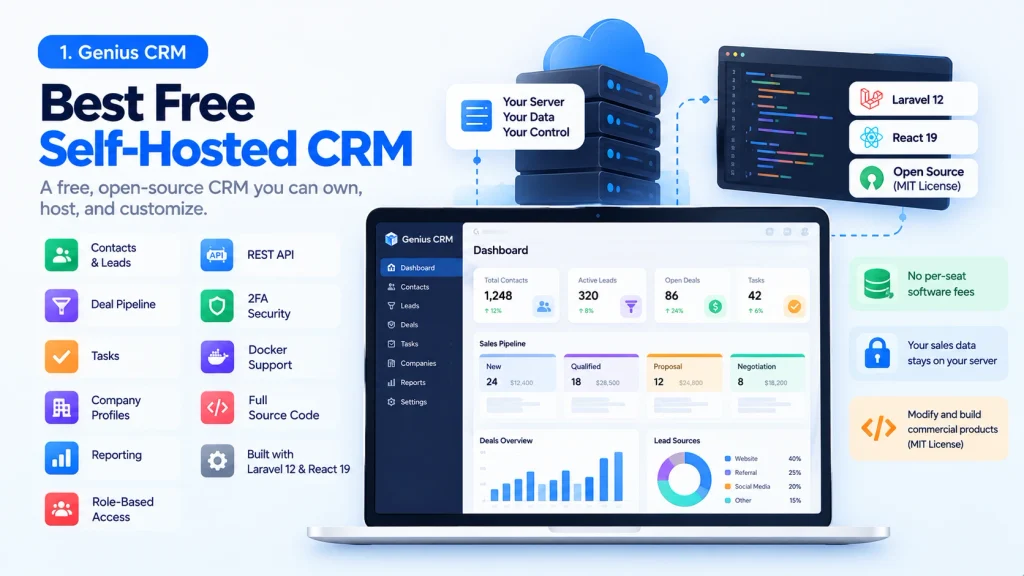
The biggest difference is that you’re not simply getting a free account inside somebody else’s CRM. You run the software yourself.
That means your sales data stays on your own server, there is no per-seat software fee, and you have access to the source code. The MIT license also allows businesses and developers to modify the software and build commercial products on top of it.
Best for: Businesses that want a free CRM they can own, host, and customize.
Pros
- Free forever
- MIT licensed
- Self-hosted
- Full source code
- No per-seat software fees
- Contact and lead management
- Deal pipeline
- Tasks and companies
- REST API
- Docker support
- 2FA and role-based access
Cons
- You manage the hosting
- Updates and security become your responsibility
- Less suitable for businesses that want a completely managed CRM
Our take: If you’re looking for more than a free cloud account and actually want control over the CRM itself, Genius CRM is one of the more interesting options to consider.
If you’re interested in other self-hosted products, the Xgenious free software collection includes several free and open-source applications built around the same ownership model.
2. HubSpot CRM: Best for an Easy Cloud Setup
HubSpot CRM is one of the most familiar names in free CRM software.
Its appeal is simple: you can create an account, import contacts, set up a sales pipeline, and start working without worrying about servers or technical deployment.
That’s exactly what many small businesses want.
HubSpot also gives you access to a much larger ecosystem if you later need marketing, customer service, automation, or other business tools.
The trade-off is that the free plan has limits, and businesses that grow into more advanced workflows may eventually need paid features.
Best for: Small teams that want a managed cloud CRM with an easy starting point.
Pros
- Easy to get started
- Strong ecosystem
- Contact and deal management
- Large integration ecosystem
- Good option for non-technical teams
Cons
- Free plan has limitations
- Advanced features require paid plans
- You remain dependent on the hosted platform
3. Zoho CRM: Best for Sales Automation
Zoho CRM is a good fit for businesses that want more than a basic contact database.
Its CRM focuses on leads, contacts, deals, follow-ups, reporting, and sales automation. It also fits naturally with the wider Zoho ecosystem.
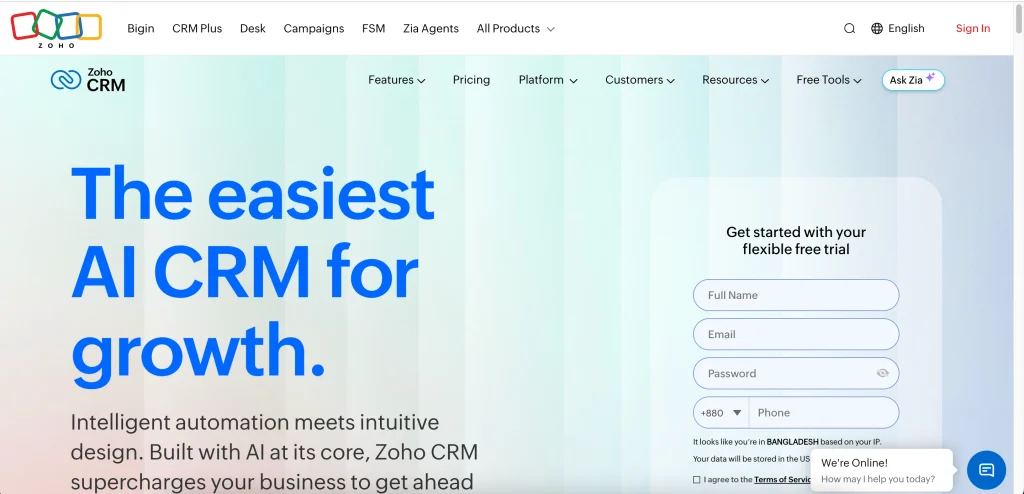
That can be useful if your business already uses Zoho Books, Zoho Campaigns, Zoho Desk, or other Zoho products.
Best for: Small teams looking for sales automation and a wider business software ecosystem.
Pros
- Sales automation
- Contact and lead management
- Reporting
- Large ecosystem
- Useful free option for small teams
Cons
- Free-plan limits can become restrictive
- The wider ecosystem can feel overwhelming for very small businesses
4. Bitrix24: Best for CRM Plus Business Tools
Bitrix24 is broader than a typical CRM.
Alongside CRM functionality, it includes tasks, project management, collaboration, communication, and other business tools.
That makes it attractive if you’re trying to replace several separate applications with one platform.
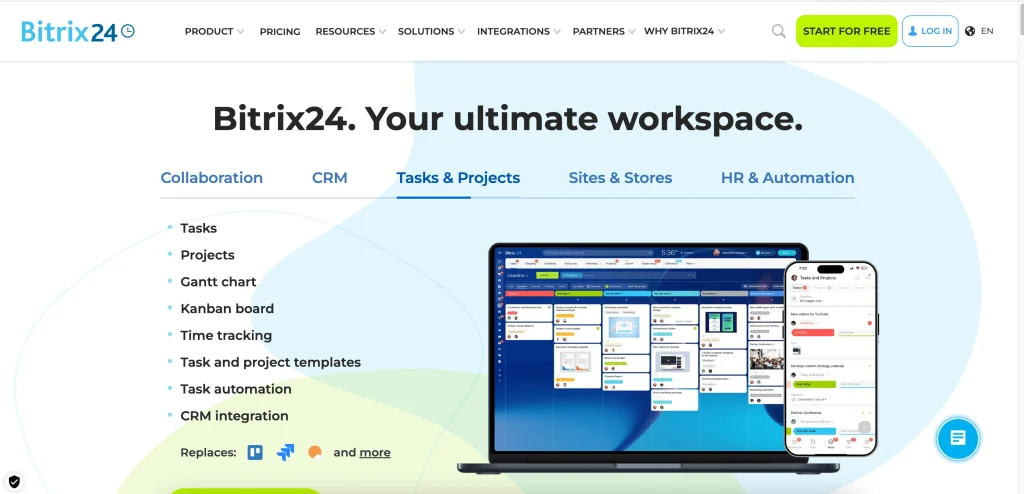
But there is a downside to having so much in one place.
Bitrix24 can take more time to understand and configure than a lightweight CRM.
Best for: Teams that want CRM alongside collaboration and business-management tools.
Pros
- CRM
- Tasks and project management
- Team collaboration
- Broader business tools
- Free plan available
Cons
- Can feel complex
- More features aren’t always better for a small team
5. Agile CRM: Best for Small Sales Teams
Agile CRM focuses heavily on sales and marketing.
It combines contact management, deals, lead scoring, appointment scheduling, email tracking, forms, and reporting.
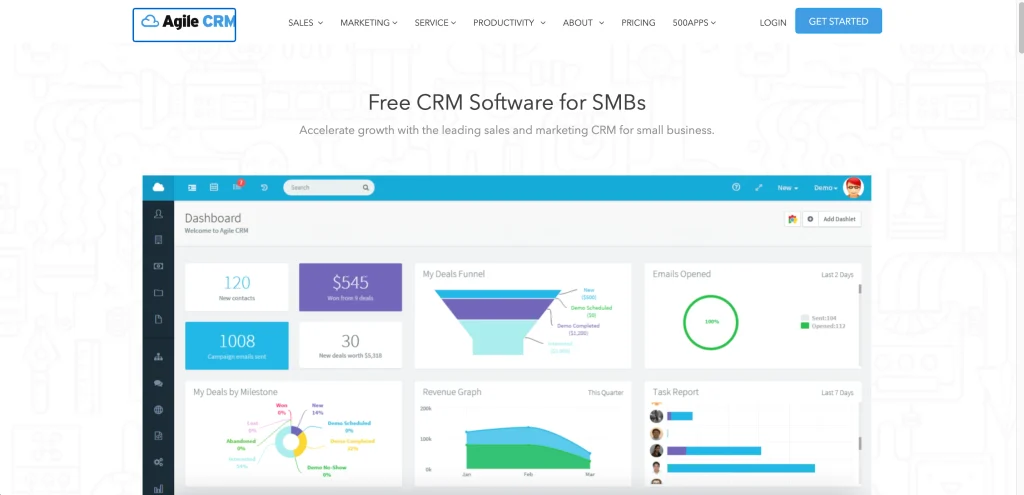
The free tier is particularly interesting for small teams that need multiple users without immediately moving to a paid CRM.
Best for: Small sales teams that need a practical CRM without a large monthly bill.
Pros
- Sales and marketing features
- Lead scoring
- Email tracking
- Appointment scheduling
- Free plan for small teams
Cons
- Free-plan limitations
- Advanced capabilities require paid plans
6. EngageBay: Best for CRM, Marketing, and Support
EngageBay is aimed at businesses that want several customer-facing tools in one place.
It combines CRM with marketing, helpdesk, live chat, email marketing, and automation.
That can be useful if you don’t want to maintain separate tools for sales and customer communication.
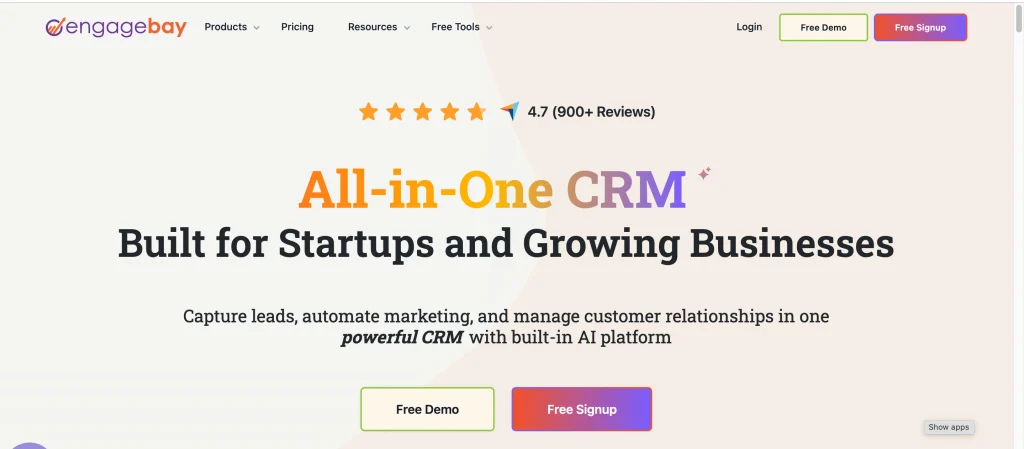
The main thing to watch is the free-plan limits, particularly as your contact list grows.
Best for: Small businesses that want CRM, marketing, and customer support in one platform.
Pros
- CRM
- Marketing tools
- Helpdesk
- Live chat
- Email marketing
- Automation
Cons
- Contact limits
- Some advanced functionality requires upgrading
7. Freshsales: Best for Simple Sales Management
Freshsales is designed around a fairly straightforward sales workflow.
You get contact and account management, deals, pipeline views, dashboards, and other basic sales functionality.
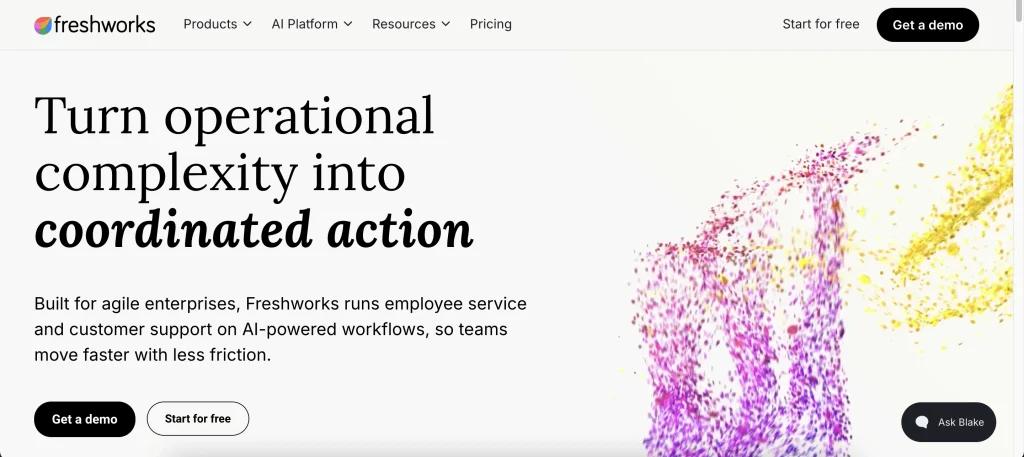
It is a good option if you want something more focused than an all-in-one business platform.
Best for: Small sales teams that want a simple cloud CRM.
Pros
- Straightforward interface
- Sales pipeline
- Contact management
- Dashboards
- Integrations
Cons
- Advanced features are limited on the free tier
- Less control than self-hosted CRM software
8. Twenty: Best Open-Source CRM for Customization
Twenty is worth looking at if you’re specifically searching for an open-source CRM.
Its focus is different from traditional freemium CRM platforms.
Instead of simply signing up for a hosted account, technical teams can look at the software from a customization and self-hosting perspective.
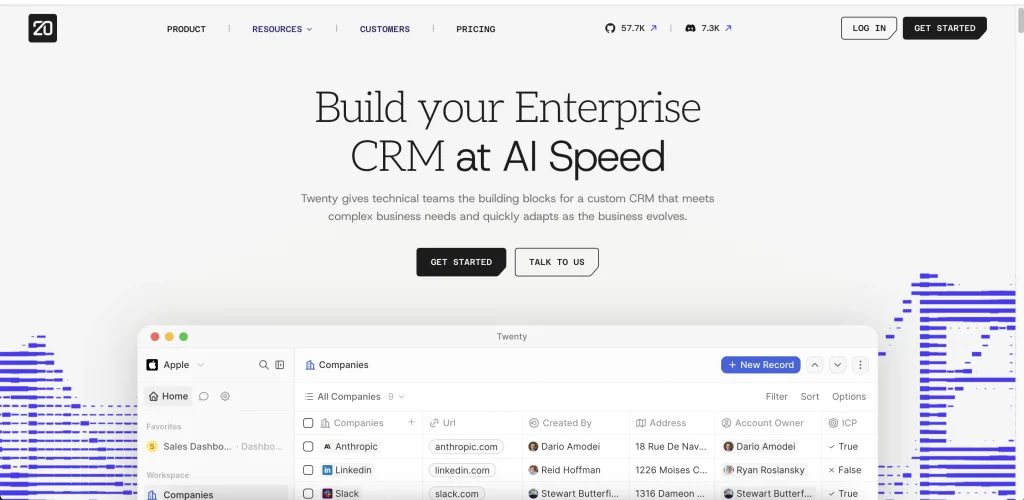
That makes it especially interesting to developers who want to adapt a CRM around their own workflow.
Best for: Developers and technical teams that want an open-source CRM foundation.
Pros
- Open-source approach
- Self-hosting
- Customization
- Developer-friendly
- Modern CRM experience
Cons
- Self-hosting requires technical involvement
- Not the simplest option for non-technical teams
9. Capsule CRM: Best for Simple Relationship Management
Capsule CRM keeps things relatively simple.
Instead of trying to become an entire business operating system, it focuses on customer relationships, contacts, opportunities, and sales pipelines.
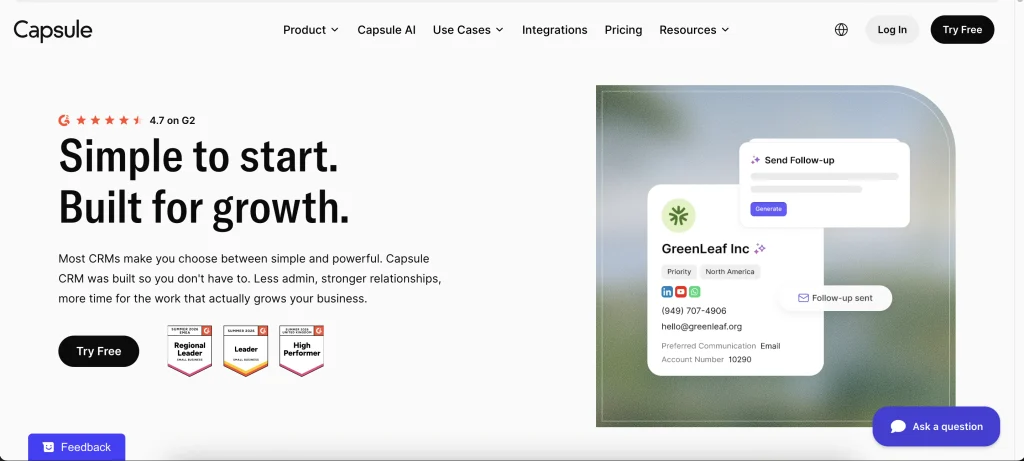
That can be exactly what a freelancer or very small business needs.
You don’t always need a CRM with dozens of modules.
Best for: Freelancers and very small teams that want a straightforward CRM.
Pros
- Simple
- Easy to understand
- Contact management
- Sales pipeline
- Low barrier to entry
Cons
- Free-plan limits
- Less suitable for teams that need advanced automation or customization
Free CRM Software Pricing: What Is Actually Free?
The word “free” can hide a lot of differences. A free CRM may have:
- A user limit
- A contact limit
- Storage restrictions
- Limited automation
- Limited integrations
- Restricted reporting
- Paid support
- Paid AI features
- Paid customization
- A limited number of pipelines
For example, HubSpot’s current free CRM has limits around users and contacts, Zoho’s free edition supports up to three users, Agile CRM’s free plan supports up to 10 users, and Capsule’s free plan supports two users and 250 contacts.
Self-hosted software works differently.
With something like Genius CRM, there isn’t a monthly software subscription or per-user fee, but you still need somewhere to run the application.
So when comparing free CRM software pricing, don’t just ask: “How much does the software cost?” Also ask: “What will this cost me to operate as my business grows?”
Free CRM Software Checklist
Before choosing a free CRM, run through this checklist.
Free CRM software checklist
- Is it actually free forever or just a trial?
- How many users are included?
- Is there a contact limit?
- Are leads and deals included?
- Can you create a sales pipeline?
- Are tasks and reminders available?
- Does it include basic reporting?
- What integrations are available?
- Can you export your customer data?
- Is API access available?
- Can you customize fields and workflows?
- What happens when you reach the free-plan limits?
- Can the system grow with your business?
- Who controls your customer data?
- If it’s self-hosted, who handles backups and updates?
You don’t need every feature on this list.
The point is to identify the few things your business actually needs and then check whether the free plan supports them.
7 Tips for Getting More From Free CRM Software
Choosing the right CRM is only half the job. The way you use it matters just as much.
1. Keep your customer data clean
Don’t let the CRM become another messy database.
Remove duplicates, standardize important fields, and make sure contact information is updated regularly.
2. Define your sales stages
Your pipeline should reflect how your business actually sells.
For example:
New Lead → Qualified → Proposal → Negotiation → Won/Lost
Don’t create ten stages just because your CRM allows it.
3. Create a follow-up routine
A CRM becomes valuable when your team actually uses the tasks and reminders.
Every active lead should have a clear next action whenever possible.
4. Don’t over-customize
Custom fields can be useful, but too many fields make the CRM harder to maintain.
Start with the information your team genuinely needs.
5. Use automation where it matters
If your free plan includes basic automation, use it for repetitive work.
Simple reminders, lead assignments, notifications, or status changes can save time without making the system complicated.
6. Review your pipeline regularly
A CRM isn’t just a database.
Look at your open deals regularly and ask:
- Which deals have stalled?
- Which leads need follow-up?
- Which opportunities are close to closing?
- Where are leads dropping out?
7. Track a few useful numbers
You don’t need dozens of dashboards.
Start with metrics such as:
- Number of new leads
- Open deals
- Conversion rate
- Won deals
- Pipeline value
- Follow-ups overdue
The best CRM reporting system is usually the one your team actually checks.
Common Mistakes When Choosing Free CRM Software
Free doesn’t automatically mean suitable.
Here are some mistakes small businesses commonly make.
1. Choosing based only on the feature list
A CRM can have hundreds of features and still be a poor fit for your workflow.
Start with what your team needs.
2. Ignoring free-plan limits
A CRM might be free today but become expensive once you need more users, contacts, automation, or storage.
Always check what happens after you hit the limits.
3. Confusing a free trial with a free CRM
A 14-day trial and a free-forever plan are completely different things.
Make sure you understand which one you’re getting.
4. Choosing a CRM nobody wants to use
A powerful CRM doesn’t help if your team keeps going back to spreadsheets and email.
Ease of use matters.
5. Forgetting about data portability
Before putting years of customer information into a system, understand how you can export it.
This becomes especially important when comparing cloud and self-hosted CRM software.
6. Overlooking maintenance
Self-hosted CRM software can reduce recurring licensing costs, but you’re taking responsibility for hosting, updates, security, backups, and technical maintenance.
If you’re considering self-hosted software more broadly, the same trade-off appears when evaluating self-hosted SaaS architecture: more control usually means more responsibility.
When Should You Move Beyond Free CRM Software?
A free CRM can be enough for a surprisingly long time.
You don’t need to move to a paid CRM simply because your business is growing.
The better question is whether the limitations of your current CRM are starting to affect your work.
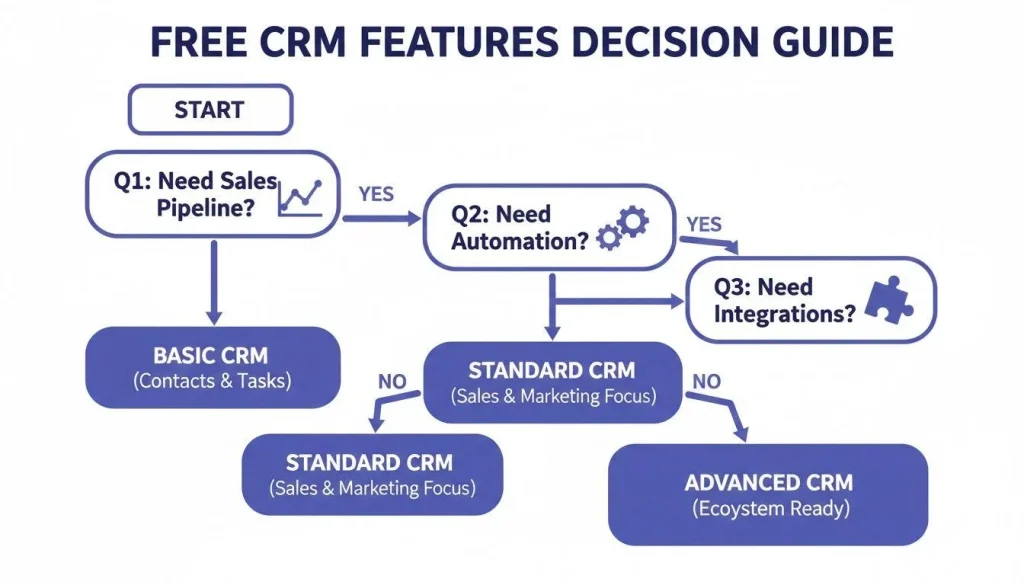
You may need to consider another plan or another CRM when:
- Your team needs more users
- Your contact database exceeds the free limit
- You need advanced automation
- You need more detailed reporting
- You need integrations that aren’t available
- Your sales process has become more complicated
- You need more granular permissions
- Your current CRM is creating more work than it saves
Go back to the requirements you identified earlier in the article.
If your current free CRM still handles your contacts, leads, pipeline, follow-ups, and reporting effectively, there may be no reason to change.
If one of those areas has become a genuine bottleneck, that’s when it’s worth evaluating alternatives.
For businesses building their own software or considering a custom CRM, the decision can also become an architecture question. Our guide on how to build a SaaS product covers the broader process of turning a software idea into a product.
The Bottom Line
The best free CRM software isn’t necessarily the one with the longest feature list.
It’s the one that gives your business the tools it actually needs without creating unnecessary cost or complexity.
If you want a straightforward cloud CRM, options such as HubSpot, Zoho CRM, and Freshsales can give small teams a place to start. Bitrix24, Agile CRM, and EngageBay make more sense if you want CRM combined with broader business or marketing functionality.
If you want simplicity, Capsule is worth considering for a very small team.
And if your priority is control, customization, and avoiding recurring CRM subscription fees, self-hosted options such as Genius CRM and Twenty offer a different path.
The important thing is to look beyond the word “free.”
Check the users, contacts, automation, integrations, data ownership, hosting model, and what happens when your business grows.
That’s what tells you whether a free CRM is actually free for your business, rather than simply free to sign up for.
Frequently Asked Questions
What is the best free CRM software for a small business?
There isn’t one CRM that fits every small business.
Cloud options such as HubSpot, Zoho CRM, and Freshsales are useful when you want a quick setup without managing infrastructure. Self-hosted options such as Genius CRM and Twenty are more relevant when data control and customization are priorities.
Is free CRM software really free?
Sometimes. Some products offer free-forever plans with user, contact, or feature limits. Others offer only a temporary free trial. Open-source self-hosted CRM software can be free to use without a software subscription, but you still have hosting and maintenance costs.
What is the best free CRM for small businesses?
It depends on what the business needs. A freelancer with a small contact list may need something very different from a sales team that needs multiple users, automation, and integrations.
Is open-source CRM software free?
Open-source CRM software can be used without paying a software licensing fee, depending on its license. However, self-hosting still involves infrastructure and maintenance costs. For example, Genius CRM is MIT licensed and can be self-hosted without a recurring software subscription.
Is self-hosted CRM better than cloud CRM?
They solve different problems. Cloud CRM software is generally easier to start with because the vendor manages the infrastructure. Self-hosted CRM software gives you more control over the application and infrastructure but also gives you more responsibility.
Can I use a free CRM for my sales team?
Yes. The important thing is to check the free plan’s user limits, contact limits, permissions, pipeline features, and reporting before moving your team onto it.
When should a small business stop using a free CRM?
When the limitations start affecting the business. That could mean you need more users, more contacts, better automation, additional integrations, or more advanced reporting. Until then, a free CRM can be perfectly adequate.